
Managing new vocabulary—be it general academic vocabulary, discipline-specific vocabulary, new instruction-related language, and emergent language—is a major concern for both content and language learning in English-medium instruction (EMI) contexts.
(Or if you prefer, Coyle, Hood and Marsh’s (2010) Language Triptych, the language of learning, language for learning, and language though learning.)
Of course, external glossaries, such as those found on this multilingual European Commission list of external terminology resources or this statistics glossary from the Australian Bureau of Statistics, are great to identify key discipline-specific vocabulary and concepts.
But creating a course glossary can allow EMI content lecturers to do the following:
- Identify the specific concepts, vocabulary, and other language of importance to their course, no matter what it is. E.g. ‘whiteboard’ is not a discipline-specific concept, but would be important for students studying in English for the first time who might be asked to come to the front of the class and write something on the whiteboard.
- Manage and organize the key course concepts, vocabulary, and other language and link it to specific course resources, lesson slides, etc.
- Create tailored definitions and examples that are appropriate to their class’s language level, involve multiple means of representation (i.e. text, video, audio, etc.), and can involve translanguaging if desired
- Provide an easy-to-draw-from or -export bank of language for review quizzes or activities, or independent study
Many learning management systems and platforms have a glossary tool built in.
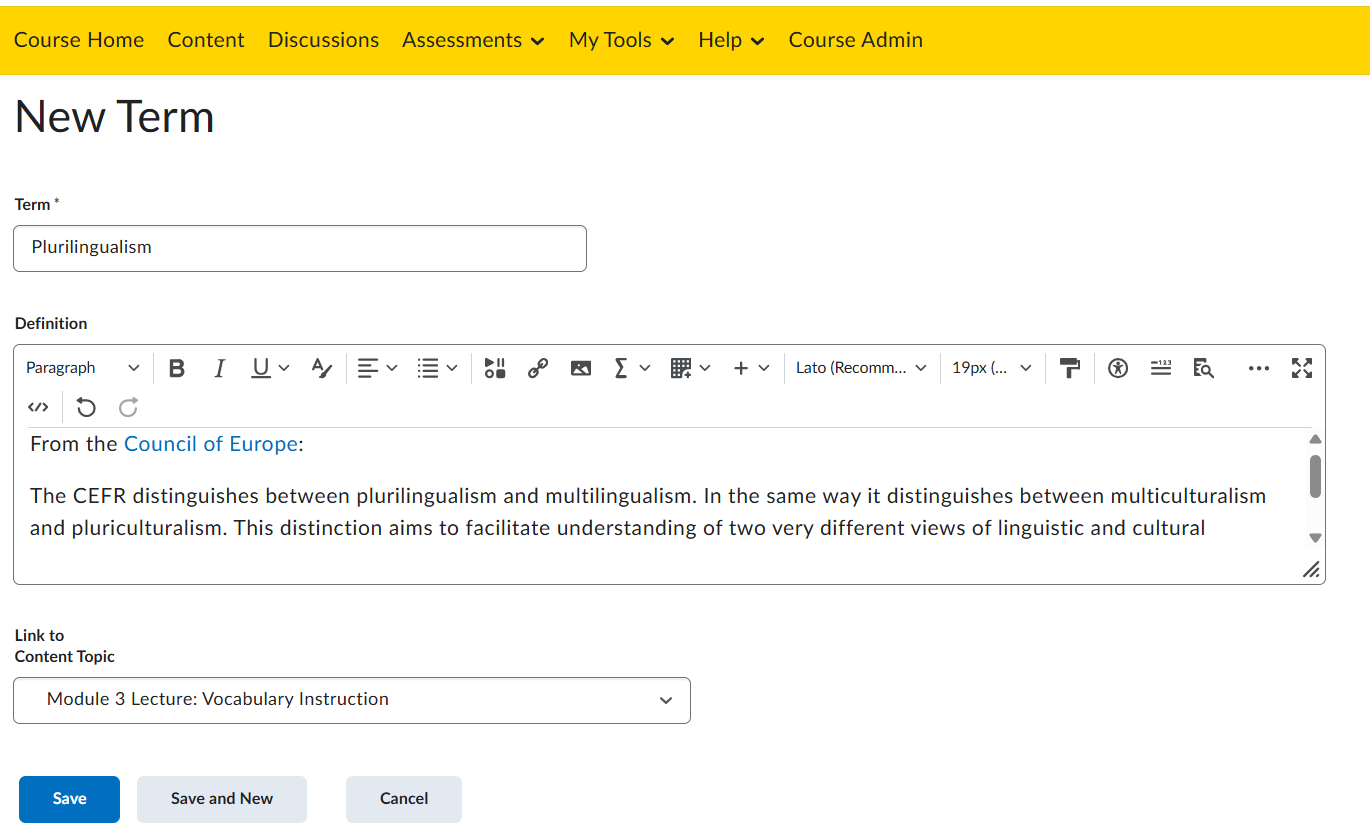
D2L/Brightspace has a glossary tool. It’s quite basic: the instructor can enter or import terms into the glossary, create a definition incorporating text, links, video and/or audio, and link to a relevant content topic within the course.
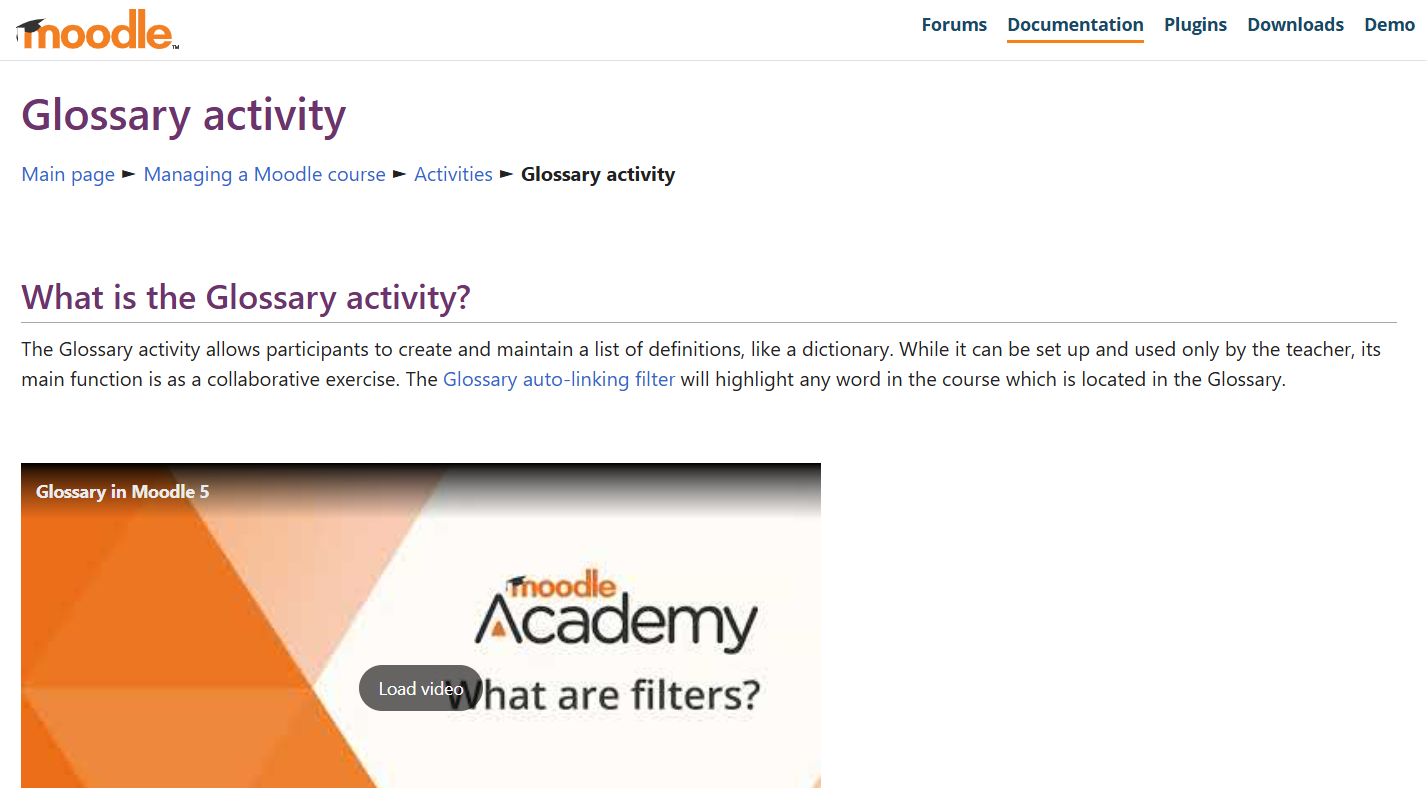
The Glossary Activity tool in Moodle has more capability than D2L. It can be set up as an instructor-only tool to share a list of terminology and definitions within the course. But there are several additional features in the Moodle Glossary.
For example, the glossary auto-linking filter can then automatically find all the instances of each term in the glossary within the course and provide a link to its glossary entry. Students can contribute to, edit, and comment on the glossary, opening the door to a variety of collaborative and interactive activities. Moodle provides several ideas for how to use the Glossary Activity in its documentation.
If your institution’s LMS doesn’t have a glossary tool or if you’re not using an LMS with your students, you could create a course glossary using any collaborative tool such as:
- Padlet (here’s a link to a Glossary template),
- Google Docs or Sheets (Here’s how to integrate google Translate directly into Sheets)
- MS Word or Excel Online
- Tencent documents
Any of these platforms provide options for instructor-only creation and editing or collaborative editing by students. These course glossaries could then be locked, exported, and shared.
 Dr. Jennifer J. MacDonald
Leave a comment