
I’ve always thought that technology has a really important role to play in the teaching of English for Academic Purposes. So in my time here at the Shandong University of Finance and Economics (SDUFE), I’ve been learning and experimenting with two Chinese platforms: Superstar (ChaoXing) and Rain Classroom (Yuketang). It’s been challenging but fun!

Superstar is the official LMS of SDUFE. With close to 400 students this semester, I asked for an account as soon as I arrived, as I couldn’t bear the thought of keeping track of attendance and assignments without the support of an LMS.
Having used other LMSs extensively, namely Brightspace/D2L and Moodle, for close to 15 years, it was pretty intuitive to learn how to use and navigate Superstar. The mobile app has an English version, but the web interface doesn’t, so I depend on the translation function in my browser.
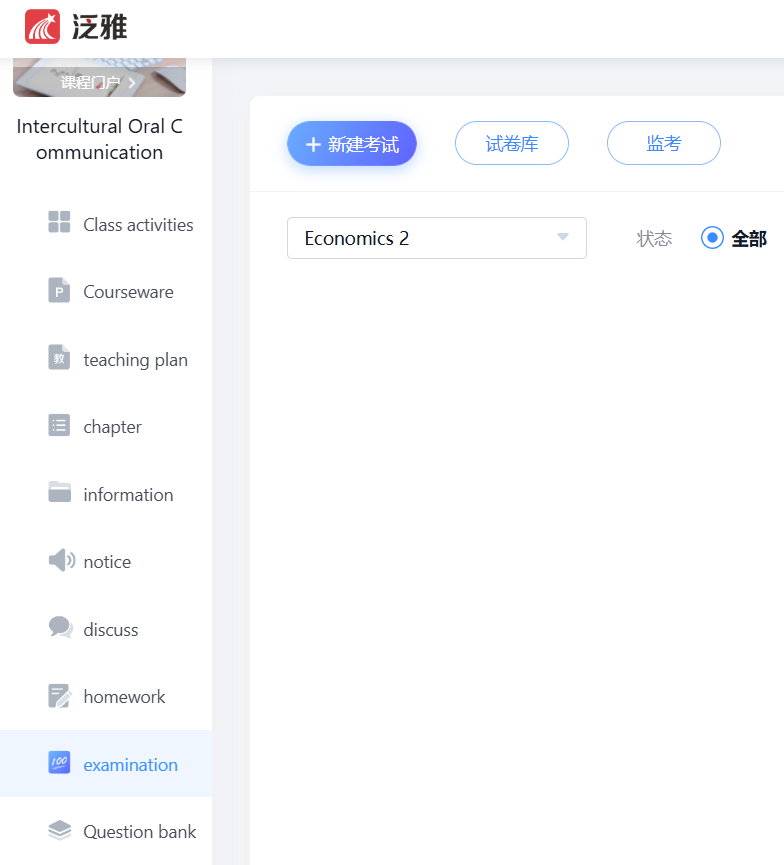
You can do all the typical stuff you’d expect from an LMS to support synchronous, face-to-face teaching: post documents such as handouts and slides, send announcements, and have students submit assignments or complete online tests and quizzes. There’s a built-in chat and messaging function, and also a PBL (Project-based learning) tool that with a lot of functionality for groupwork, such as creation of groups, submission of group assignments, and peer evaluation.
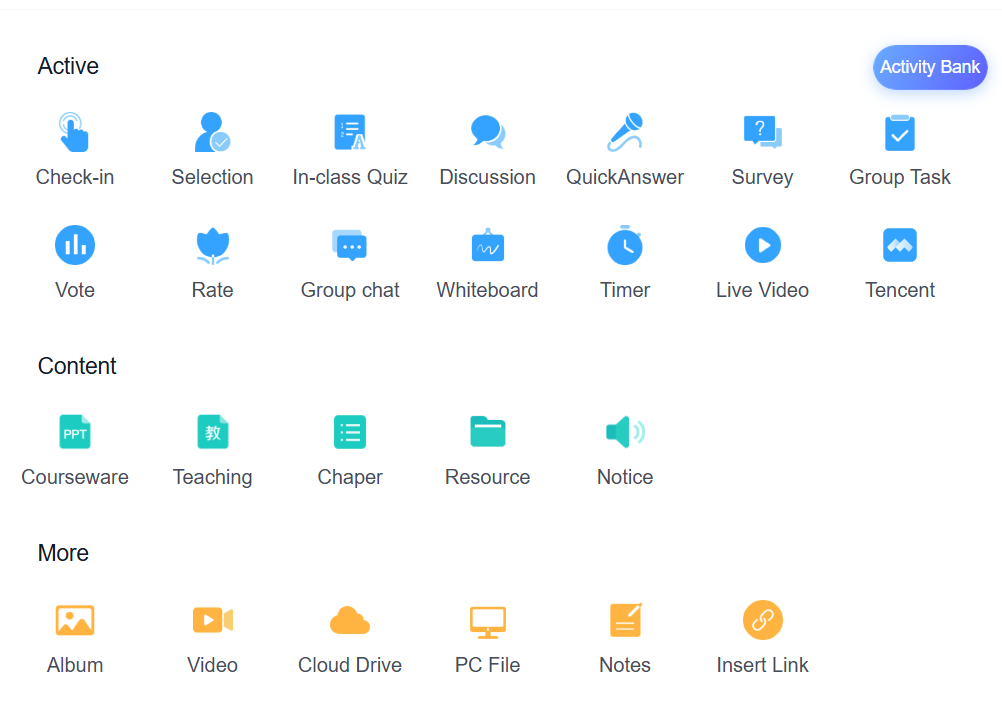
What I’m really enjoying are some features that I haven’t seen or used on Canadian LMSs. Superstar can also very easily support synchronous online teaching, and has a lot of tools and activities that you can use in class, whether online or face-to-face, for active learning, to increase engagement and participation. So it’s like you’ve taken parts of the functionality of Brightspace, Teams, and then maybe Mentimeter or Kahoot and put them all together.
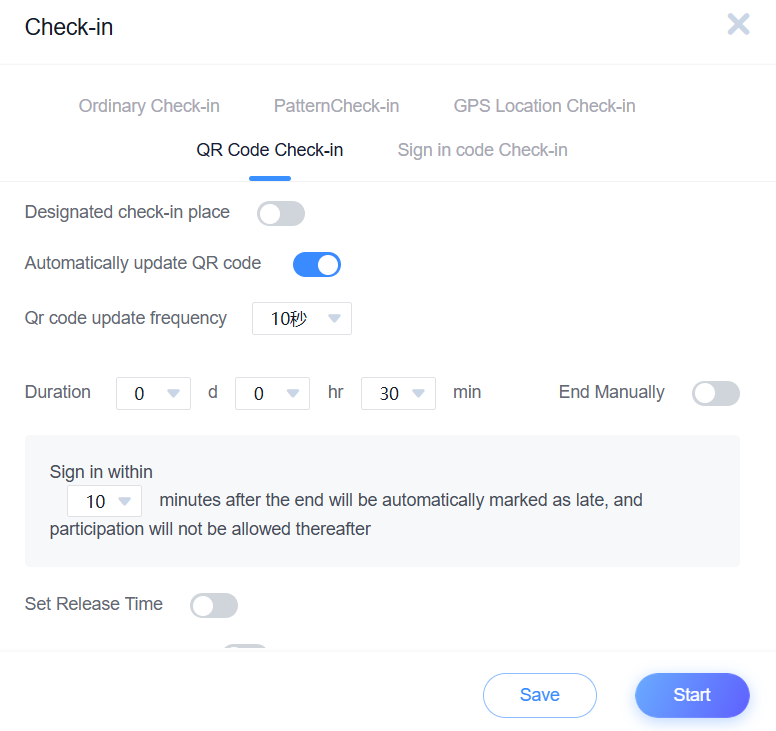
I’ve been using the QR Code Check-In tool for attendance, as my classes have 45+ students. It generates a QR code for each class which I display on the projector at the beginning of the session. Students scan it with their Superstar mobile app, and it automatically records who’s present. I can manually adjust a student’s record if they have an excused absence, etc. There are options to do the check-in via GPS/location services, a sign in code or pattern etc., and there re security features built-in, such as the option to generate a new QR code every 10 seconds so students can’t just take a photo of it and send it to a friend to sign in from home. If I assign a point value to attendance, I can set it up in the grading configuration to automatically compile and calculate every student’s points from attendance at the end of the semester. I’m a big fan!
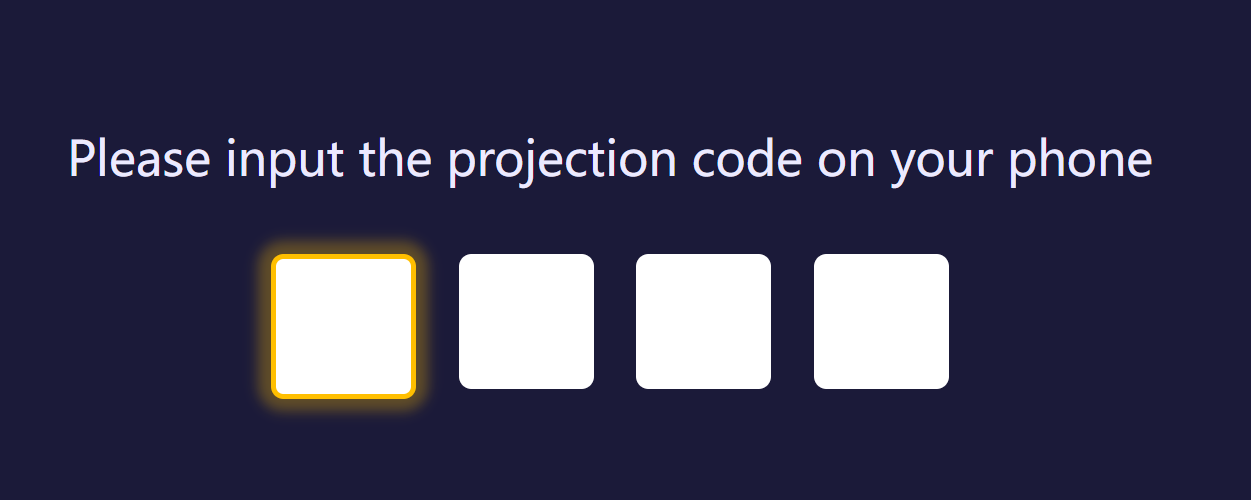
On the classroom computer, no need to log into my Superstar account. I can simply go into projection mode on the app on my phone, and it will generate a code that I can enter in the browser on the classroom computer, and it will project the class activities on the board.
All in all, I’ve been enjoying Superstar!

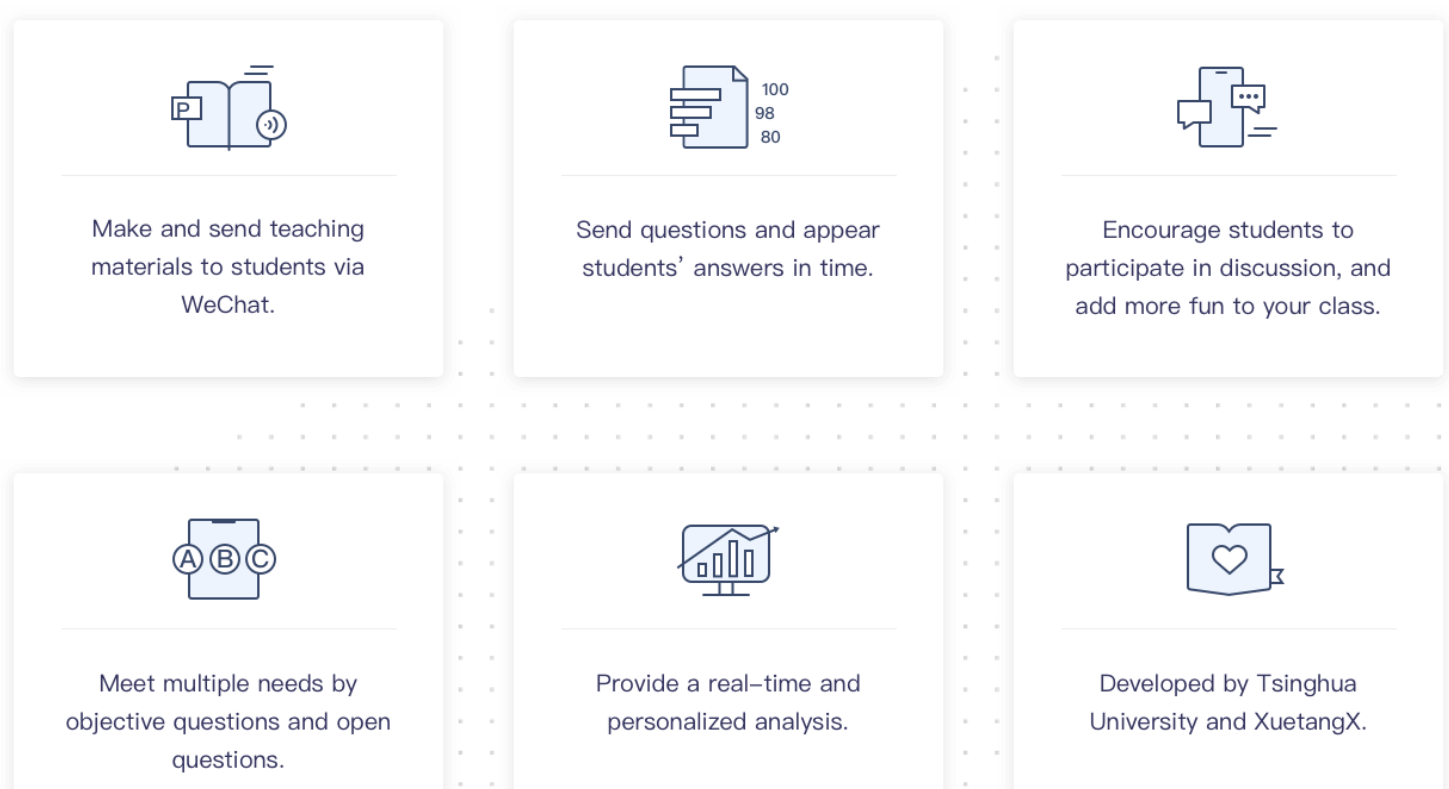
I learned how to use Rain Classroom for a large online seminar I delivered last week, so I have only used it for synchronous online teaching. It has a mobile app and web-based versions, as well as a desktop app. All are available in English. It interfaces with WeChat, to make signing up, and signing in much easier for both teachers and students. As literally every single person in China has a WeChat account, there’s no need to create a new account, login, etc.
For a live seminar, it had all the typical features you’d expect. But instead of a typical chat, there was a feature called Danmu, where whatever anyone put into the chat would scroll across the top of the screen. There is also a Post function, where students can compose messages with text, pictures, etc and DM them to the teacher, who can then choose which ones to display on the screen. And finally, there’s a live Word Cloud feature built in, where it generates and displays in real time a Word Cloud of participants’ submissions.
(Of course, you can see none of these features in use in this screenshot of the end of my talk, but trust me, they’re there. 🙂

Otherwise, it seems to have a lot of very cool, interactive features for live teaching, that I didn’t have a chance to use. Hopefully next time! Here’s a great guide from the University of Macau that explains all the features and functions of Rain Classroom.

 Dr. Jennifer J. MacDonald
Leave a comment